
About Prism
What's New
Prism is a Browser/Search Engine Project
More Content (Show)
Facts about Prism Web Browser:
Did you Know that the old Name and now the CodeName of Prism is: IO Search, Prism Used to be called IO Search like IO Mail and IO Sites, but the name was Changed about 1 year after after Prism was Released!
And in the Early Days of Prism Like Around its First Release it was called IO later about 1 or 2 months after, it was Renamed to IO Search then Later Renamed to Prism.
Use the shortcut Links to open Apps Easier:

Change The Theme of Prism Using Settings.
Access more Apps (as Text Links) in IO Sites.
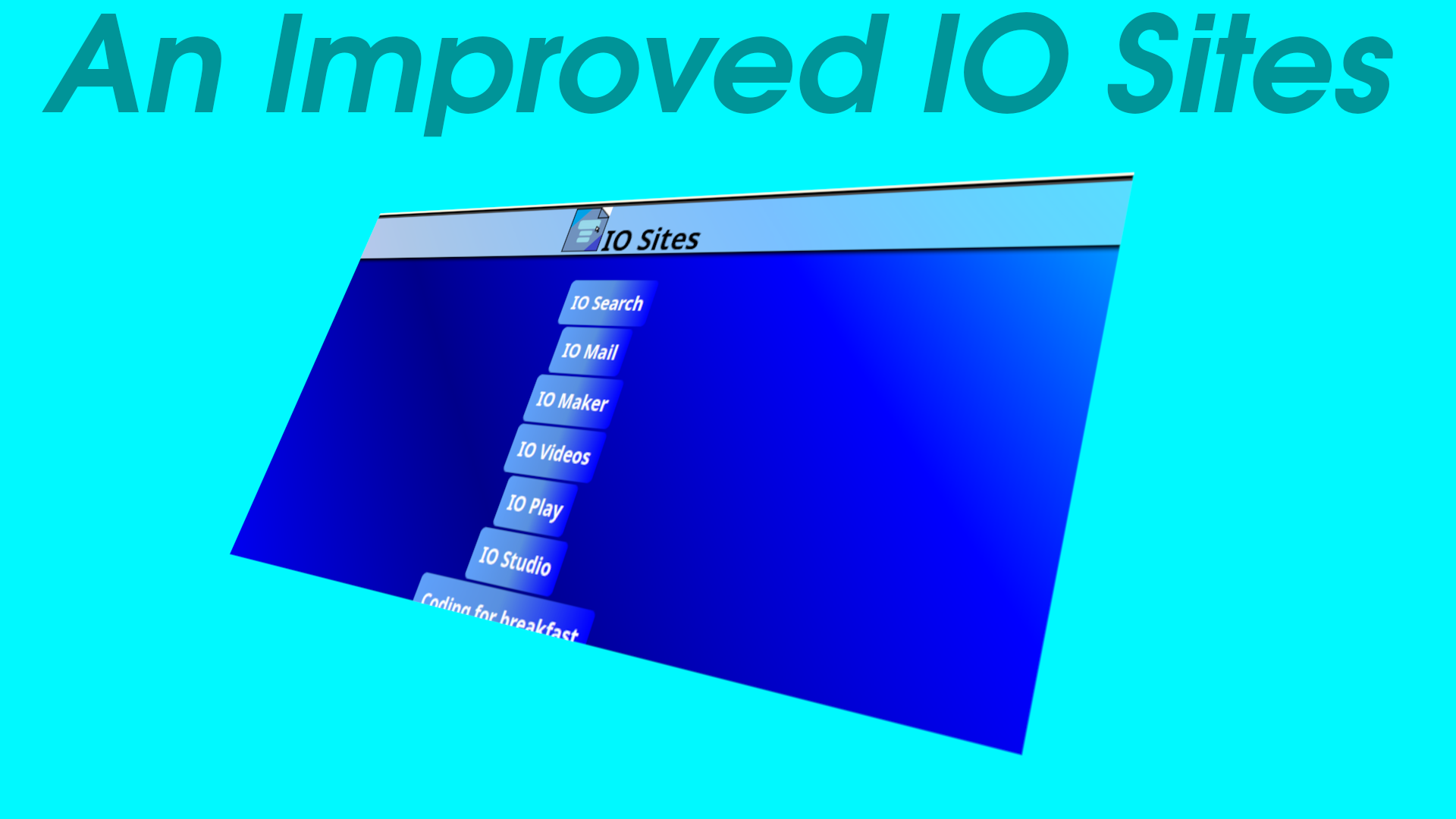
Access (some) Links from IO Sites as Images in IO Play.
IO Play is in 2 parts Apps and Games.
HTML, CSS And JavaScript Working Code Editor in IO Maker.
Access more Projects by IO Studio in the IO Studio App Link shortcut.
History:
Timeline of IO Search/Prism, beginning - 90+
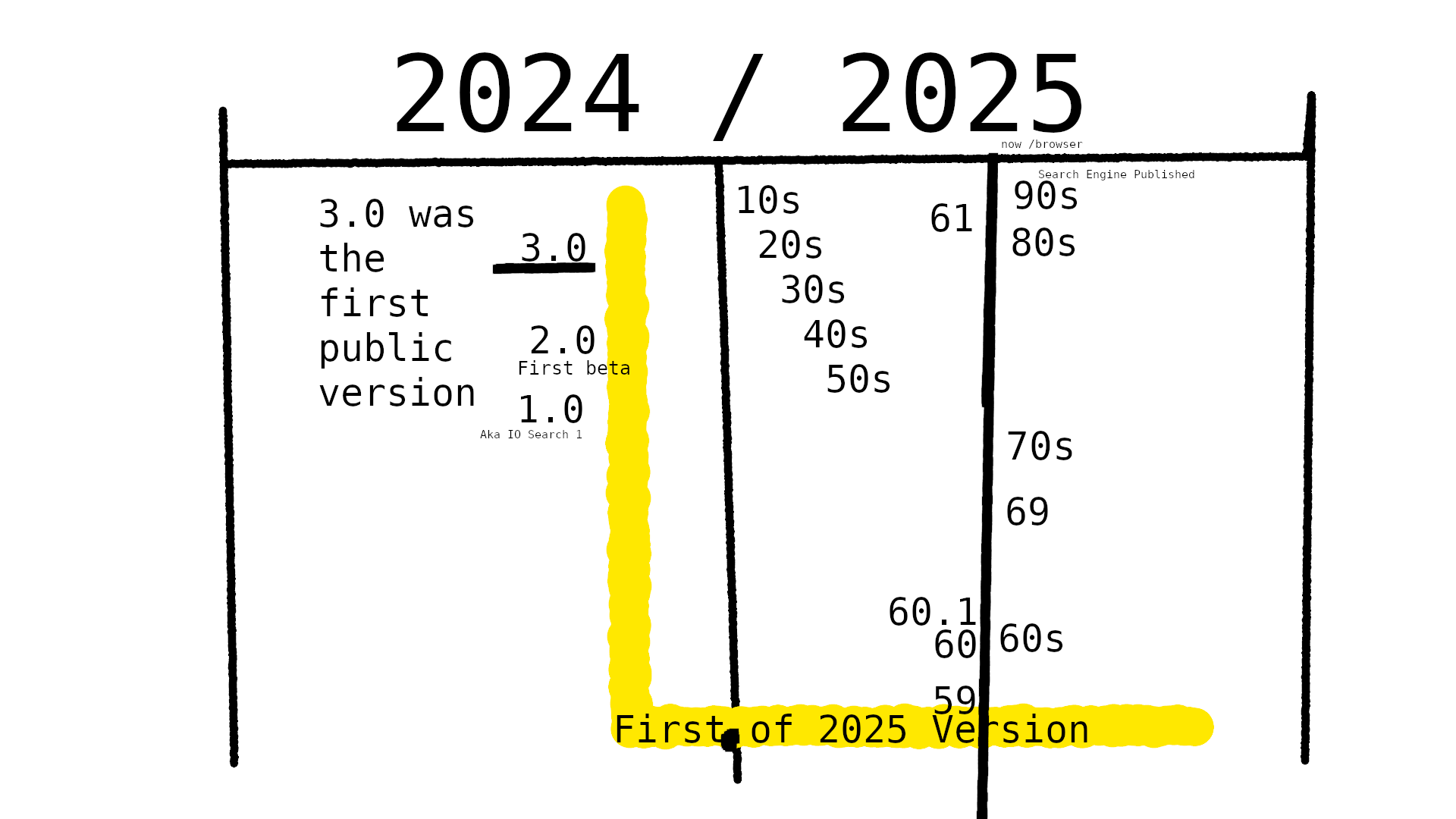
Prism Now has its own JavaScript library called JsIo!
Customizing Prism
You can Customize Prism using Settings
Multi-Tasking
Prism has Tabs you can customize and open diffrent Linked Website in Diffrent Tabs, Prism also has Tab Stacks and Multi Screen.
Download
You can Download Prism for Windows and Linux.
Alot of Updates
Prism gets Updated alot with new styles, content, bug and Error fixes, and new features.
One Year of IO Search:

We made the History of IO Search Page for the One Year of IO Search.
First Published
Prism was first Published around September 2024
Icon History

The Image Above Does NOT Contain all Icons.
Open the "Here" (that is below) Link to see the whole Icon History.
What is The History of IO Search Icons? Find out Here.
All of Our Projects - IO Studio
Easily Change your Search Engine Using the Search Engine Picker:
Use the Search Engine Picker to Change your Search Engine.
Change your Wallpaper in IO Search using the Custom Background Image Section:
The Custom Background Image Section was added in IO Search 95.
IO Search 100!

From 1 - 100 IO Search Icons Changed 8 Times.
Info
The Web Bar was Added in IO Search 60.1
The first version that you could Customize IO Search was IO Search 61.
In IO Search 61.1 You Could Change the Tab Style From Rounded to Less Round more like a Rectangle.
The Custom Background Image Section was added in IO Search 95.
IO Search 74 was the last version with a blue border on top Tab Style.
New Things Were Added/Updated in IO Search 100.
IO Search 100 is NOT the lastest version of Prism.
What was new in IO Search 100: